Home Office Cleaning Checklist for Remote Workers
By Samer Alsayegh · · Updated · 11 min read
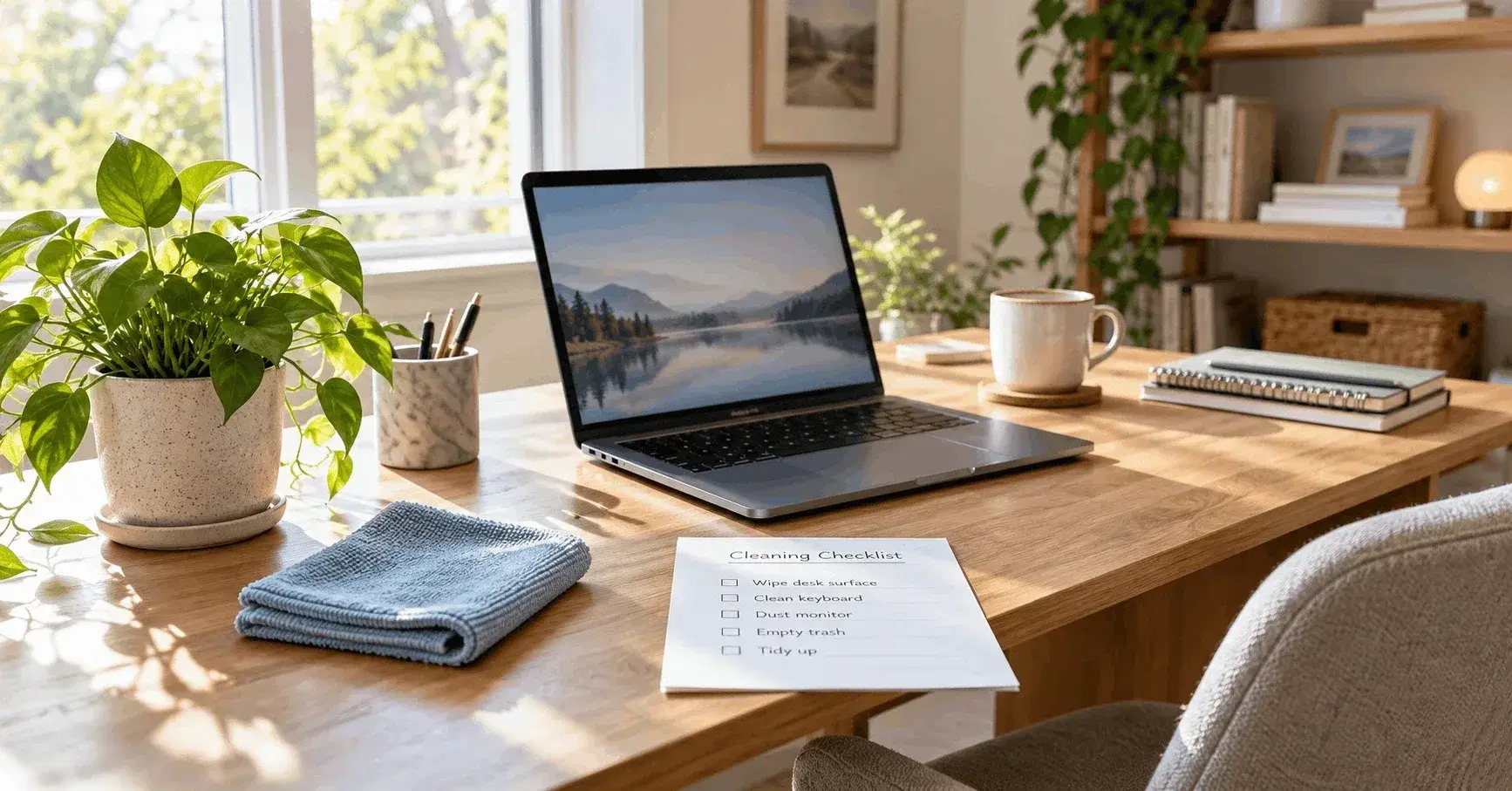
A home office cleaning checklist for remote workers has four core steps. Clear your desk. Dust from top to bottom. Wipe the things you touch most. Clean the floor last. Do a five-minute reset each day, a full clean each week, and a deep clean each season. This plan keeps your desk tidy, your screen clear, and your room ready for any video call.
Plenty of people need this plan. Gallup's Hybrid Work Indicator shows that in May 2026, 52% of remote-capable U.S. employees worked hybrid, 26% worked fully remote, and 22% worked on-site. That means nearly eight in ten of these workers use a home desk at least part of the week. Gallup also found that 37% of fully remote employees feel engaged at work, compared with 29% of remote-capable employees who work on-site. Your home office is now a real workplace, so it needs real care.
The U.S. Environmental Protection Agency (EPA) agrees that the air and surfaces inside your home matter. Its guide to indoor air quality explains how indoor air affects health and comfort. Dust, pet hair, and germs gather fast in the room where you sit all day. A simple routine keeps them under control.
Why a Clean Home Office Matters for Remote Workers
You spend hours at your desk. You type, click, sip coffee, eat lunch, and talk on calls. Dust and crumbs build up quickly.
A clean workspace helps you in three ways:
- You find your things faster.
- You touch fewer germs on your keyboard, mouse, and phone.
- You look neat on camera.
Clutter also pulls your focus away. When you see piles of paper, your eyes drift to them. A clear desk gives your mind less to track, so you can finish tasks with less stress.
Daily Home Office Cleaning Checklist (5 Minutes)
Do this at the end of each workday. Close your laptop first. Then follow these steps:
- Throw away trash, wrappers, and old coffee cups.
- Take dishes back to the kitchen.
- Stack loose papers in one tray.
- Wipe your desk with a dry microfiber cloth.
- Push in your chair and clear the floor around it.
- Set out only what you need for tomorrow.
This small reset takes five minutes. It stops big messes before they start.
Weekly Home Office Cleaning Checklist
Pick one time each week. Friday afternoon works well. Plan 30 to 45 minutes. Follow the steps in order so you never clean the same spot twice.
Step 1: Clear and Sort Your Desk
- Take everything off the desktop.
- Sort papers into three piles: keep, shred, and recycle.
- Put pens, notebooks, and chargers in a drawer or tray.
- Bundle loose cords with cable ties or clips.
Tangled cords collect dust. Neat cords make dusting easy.
Step 2: Dust from Top to Bottom
Dust falls down, so start high and work your way low. Clean these spots in order:
- Ceiling fan blades and light fixtures
- Tops of shelves and cabinets
- Picture frames and decor
- Window blinds and sills
- Desk legs and the base of your chair
Use a damp microfiber cloth. A damp cloth grabs dust. A dry cloth often sends it back into the air.
Step 3: Clean Your Screen, Keyboard, and Mouse
Turn off your devices first. Unplug them when you can.
- Wipe your screen with a clean, dry microfiber cloth. For smudges, dampen the cloth with a little water.
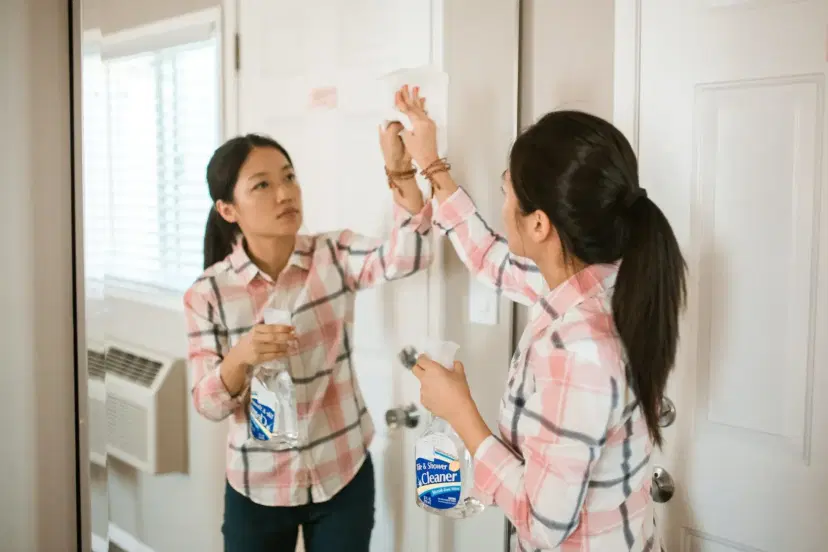
- Spray cleaner on the cloth. Never spray it on the screen or keyboard.
- Turn your keyboard upside down and tap out the crumbs. Then use a small brush or compressed air.
- Wipe your mouse and mouse pad.
- Read the maker's care guide before you use any cleaner.
Step 4: Wipe High-Touch Spots
Germs gather where your hands go most. Wipe these items every week:
- Desk surface
- Chair arms and the height lever
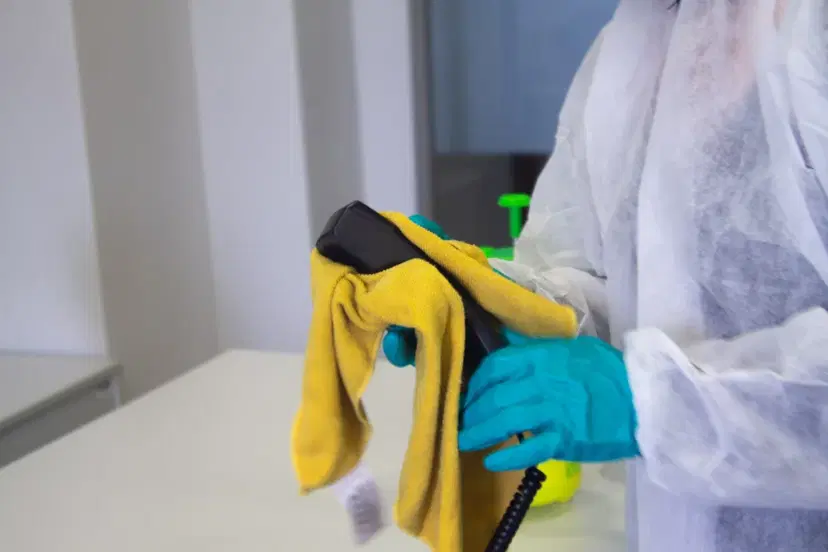
- Phone and headset
- Desk lamp switch
- Door handle and light switch
- Water bottle and coffee mug
Choose a cleaner that works on each surface. Read the label. Let the product sit for the time the label says.
Step 5: Clean the Floor and Empty the Trash
- Move your chair out of the way.
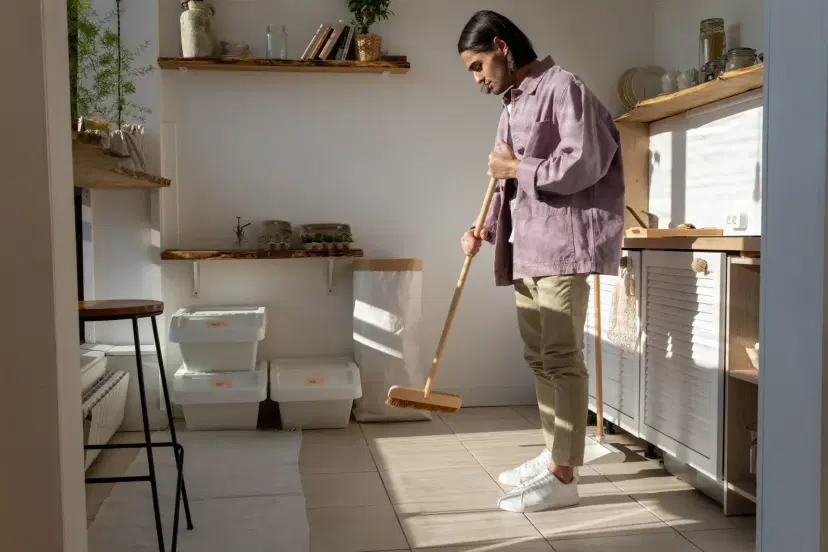
- Vacuum or sweep the whole room.
- Vacuum under the desk. Dust hides there.
- Mop hard floors with a mild floor cleaner.
- Empty the trash and recycling, then add a new bag.
Do the floor last. Dust from higher spots lands there as you clean.
Monthly and Seasonal Home Office Cleaning Tasks
Some jobs do not need weekly care. Add these to your calendar once a month or once a season:
- Wash the window glass.
- Wipe the full chair, including the wheels.
- Dust the air vents and check your AC filter.
- Move the desk and clean behind it.
- Wipe baseboards and door frames.
- Wash curtains and throw rugs.
- Sort old files, cables, and tech you no longer use.
Use cleaning products with care. The EPA lists household cleaning products as one source of indoor air pollutants. So open a window while you clean, and use only the amount you need.
How to Make Your Video Call Background Look Clean
Your camera sees more than you think. Take two minutes before each big meeting.
- Clear the shelf behind you.
- Straighten books and frames.
- Remove laundry, dishes, and food.
- Dust plants and lamp shades.
- Wipe your camera lens with a dry cloth.
Small fixes make you look ready and calm.
Home Office Cleaning Tips for Dallas, TX Homes
Dallas homes face a few extra dust sources. Spring pollen drifts in through windows. Windy days and road work push dirt indoors. Long summers keep your AC running for hours, so vents and filters collect dust fast.
Remote workers in Uptown, Lakewood, and Preston Hollow often tell the same story. They clean once, and the dust comes back in days. These tips help:
- Wipe window sills often in spring.
- Change your AC filter on the schedule the maker gives.
- Put a doormat at each entry to catch dirt.
- Vacuum twice a week if your office has carpet.
- Keep a damp cloth near your desk for quick wipes.
Plan a lunch walk at Klyde Warren Park or around White Rock Lake. Then come back to a desk that feels fresh. If you want to skip the chore, our team offers home cleaning services in Dallas that cover your office and the rest of your house.
When to Call a Pro for Home Office Cleaning in Dallas, TX
You can handle the basics on your own. Still, some signs say it is time for expert help:
- You skip cleaning for weeks at a time.
- Dust returns two days after you clean.
- Your allergies flare while you work.
- Your carpet looks dull or smells stale.
- Clients or guests will visit your office.
- You just moved in or finished a remodel.
A deep clean reaches the places a quick tidy misses. That includes baseboards, door frames, vents, and corners. It also helps when your carpet needs more than a vacuum. If your home office needs a full reset, you can book professional deep cleaning in Dallas TX and get your workspace back on track.
A Simple Home Office Cleaning Schedule
A plan works best when you can see it. Print this and tape it near your desk.
- Every day: Clear trash, stack papers, wipe the desk, and push in your chair.
- Every week: Declutter, dust, clean electronics, wipe high-touch spots, and clean the floor.
- Every month: Wash windows, wipe the chair, check vents, and clean behind the desk.
- Every season: Wash curtains and rugs, sort files and cables, and book a deep clean if you need one.
Link each task to a habit you already have. Wipe the desk right after your last call. Do the weekly clean right after your Friday check-in. Habits stick when they follow something you already do.
If you share your home with kids, pets, or a partner who also works at home, clean more often. More people mean more crumbs, hair, and touched surfaces. Give each person one small job, such as emptying the trash or wiping their own chair.
Common Home Office Cleaning Mistakes to Avoid
- Spraying liquid on electronics. Spray the cloth instead.
- Cleaning the floor first. Dust from shelves will land on it again.
- Using too much cleaner. A little goes a long way, and extra product leaves residue.
- Skipping the chair. Your chair gets as much touch as your keyboard.
- Waiting for a messy day. Short, steady habits beat one big rush.
Why Choose Ezi Home Services
Ezi Home Services helps Dallas, TX homeowners keep their spaces clean. We offer home cleaning, deep cleaning, and carpet cleaning. One team can care for your whole home, including your home office.
Remote work blurs the line between work and home. Your desk, your couch, and your kitchen all see daily use. We clean the way you live. Regular visits keep dust low. Deep cleans reset the rooms that need extra care. Carpet cleaning lifts the dirt that a vacuum leaves behind.
We serve homes across Dallas, TX. You can live near downtown, in Uptown, or in a quiet neighborhood and still ask for a visit. You tell us what matters most, such as your desk area, and we plan around it.
Ready for a cleaner workday? Book your home office cleaning in Dallas and let us handle the dusting, wiping, and floors.
Conclusion
A clean home office comes from small habits. Reset your desk each day. Do a full clean each week. Add deeper tasks each month. Keep this checklist close, and your workspace will stay clear, calm, and ready for work.
FAQs
1. How often should I clean my home office?
Wipe it daily, clean it fully each week, and deep clean it each season.
2. What is the best way to clean a computer screen?
Turn it off and wipe it with a dry microfiber cloth, adding a little water for smudges.
3. How do I stop dust from coming back so fast?
Clear clutter, dust with a damp cloth, change your AC filter on time, and vacuum under your desk.
4. Can I clean my keyboard with disinfectant spray?
Spray the cloth, not the keyboard, and check the maker's care guide first.
5. When should I hire a cleaner for my home office in Dallas?
Hire help when dust returns fast, your allergies flare, or you have no time to clean.
Written by
Home Cleaning · Maintenance
Co-founder of Ezi Services and Draftbase, entrepreneur and builder focused on SaaS, AI, and growth — I turn ideas into scalable businesses using technology, automation, and relentless execution.